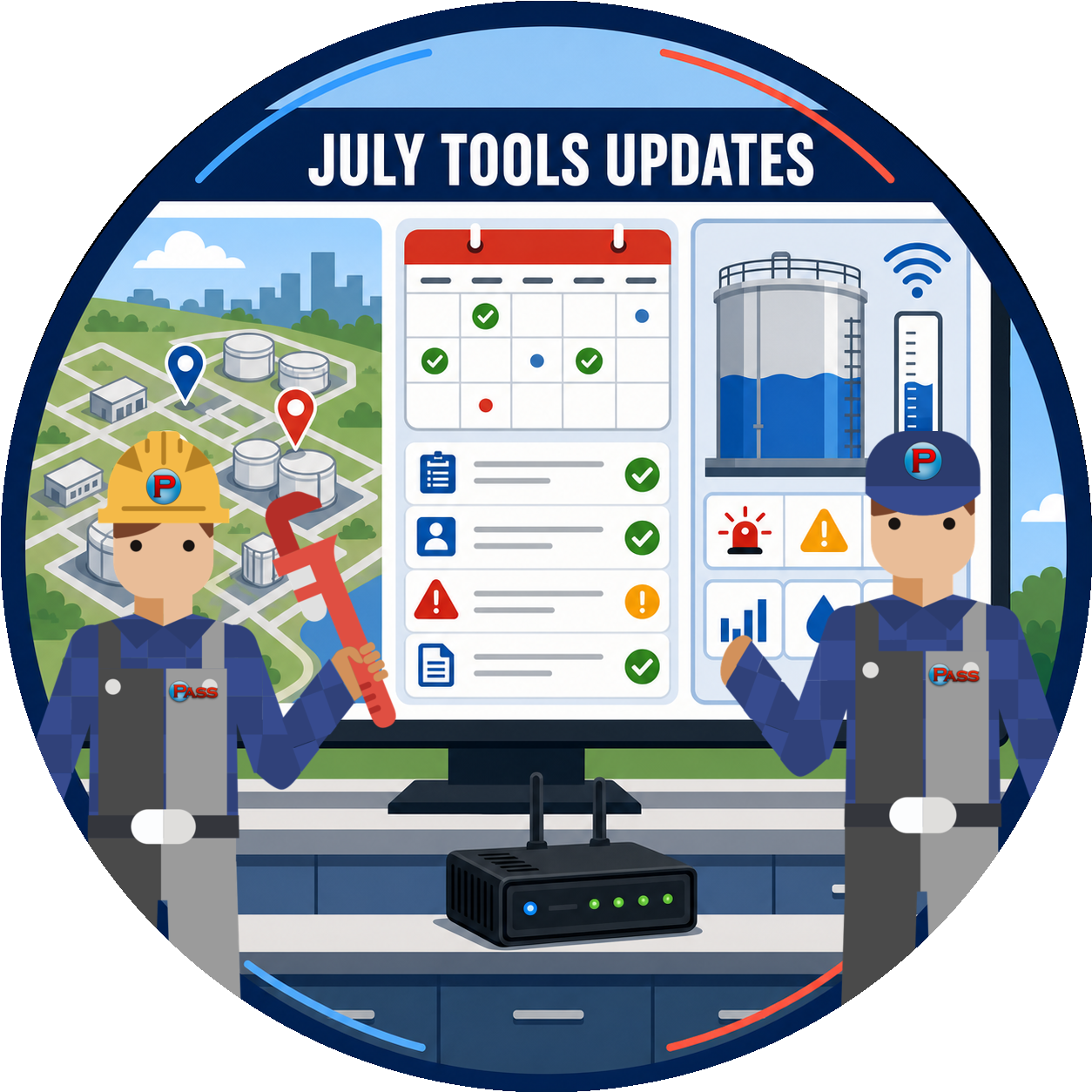
Every month we ship a batch of improvements across PASS Tools. July was one of our busiest, with smarter inspection scheduling built around real compliance deadlines, three new prioritized dashboards for clearing backlogs, and a stack of field fixes from the iPad keyboard on smart forms to how report PDFs render. Here is what is new and better for you and your team.
 PASS Product Updates
PASS Tools Update Explorer
A PASS Training & Compliance tool. Every improvement we shipped across PASS Tools in July 2026, in one filterable list. Pick a product to see only its updates, or search a keyword to find the ones that touch your team's work.
PASS Harmonics
Facility regions stick when you use the Add Customer shortcut. Creating a facility through the Add Customer shortcut now includes a region picker, so your region choice lands on the facility. Admins and director admins can also set or change a facility’s region right on the facility edit page, instead of making a trip to Regions Management.
PASS Symphonics
Smarter inspection scheduling. Every inspection now shows two dates side by side: the compliance due date and the visit date your tech is booked for. Alerts key on the real deadline, so a visit rescheduled into the wrong year can no longer hide a past-due inspection. A new Scheduling dashboard ranks each coordinator’s work worst-first, filters by region, technician, plan, company, and state, and lets you reschedule or correct a due date right from the list.
A heads-up before a visit lands past its deadline. Booking or dragging a visit past its compliance due date now asks you to confirm first, so a scheduling push is always a deliberate choice. A new “Never Started” view surfaces recurring plans that have never had a first inspection, so a site that has quietly gone unstarted for months no longer slips out of view.
One-time inspections behave predictably. One-time (non-recurring) service plans never carry an automatic due date, so they no longer turn up as Past Due by mistake. A pending one-time inspection with no deadline is normal and healthy, and the deadline field explains that plainly.
Service plans keep scheduling reliably. Adjusting or backdating inspection dates no longer risks stopping a plan from generating its next inspection. Plans now advance off the pending inspection’s own status, so correcting a schedule is always safe and the next inspection generates on cue.
New Punch List dashboards for Paperwork, Action Items, and Incidents. Three prioritized dashboards turn your backlogs into work-it-to-zero lists. Priority-ranked count tiles run across the top, worst-first. Click a tile to filter the list, act on a row in place (resolve, close, acknowledge, accept or dismiss a suggestion, triage to a work order), and watch the counts drop and tiles turn green as you clear each bucket. The old Paperwork Suggestions and Solutions reports, and the open and overdue action item reports, now lead here.
Wave off paperwork suggestions that do not apply. A single Dismiss link hides all suggestions on a paperwork record and takes it off your dashboards, reports, and counts, so your numbers reflect only what you still care about. It is fully reversible with a Restore link. Every paperwork record also gains a View Timeline that shows who changed what, and when.
Paperwork by Type is now sortable and searchable. The report now uses the same standard table as the rest of the app: click-to-sort columns, a built-in search box, pagination, CSV export, clean dates, and a searchable type picker for large accounts. This one came straight from a customer request, and existing bookmarks still work.
The keyboard stays up on iPad smart forms. Techs filling out a smart form on an iPad no longer have the on-screen keyboard close after every field, so it is one tap per field instead of two. Saves now happen in the gaps between fields, and a new save indicator shows Unsaved changes, Saving, and Saved so a tech always knows their work is captured.
The technician dashboard is one date-ordered agenda. Assigned work orders and inspections now appear together in a single list, in date order, with the scheduled date on every row. Past-due visits sort to the top, and a work order at a facility with no inspection that day shows on its own correct date. No more assigned work orders buried at the bottom of the list with the wrong date on them.
Results packets refresh automatically. When a tech attaches or removes a file on an inspection, the generated results packet rebuilds within seconds, so the version you download always reflects the latest documents on the record.
ATG Connect
ATG Connect admins see full monitoring detail again. Company admins and managers on ATG Connect can once again open Devices, Tanks, and Alarms & Warnings and see their data, matching the counts shown on the monitoring dashboard tiles.
Across PASS Tools
Cleaner report PDFs. Company logos now render crisply on report PDFs and throughout the app, with no stray box behind them, in both light and dark views. Separately, completed test-result PDFs, both new ones and every document generated in the past, now open in Adobe Acrobat without the harmless font warning some customers had been seeing. No action is needed on your end for either improvement.
Find inspections by your own work order number. The work order number your tech enters at sign-off is now searchable on the facility inspections page and in eBinder, and it shows right under the inspection ID. It is a fast way to cross-reference a PASS inspection against your own internal systems.
Maps rebuilt on modern components. Every map in PASS Tools has been rebuilt on current mapping components. Pins are cleaner, opening one popup now closes the last so a busy facility map stays readable, and phone numbers in a popup are tap-to-call, which helps inspectors working from an iPad in the field.
A real “Access Denied” page. Landing on a page your role cannot access now shows a clear Access Denied page that explains what happened, with Go Back and Go Home buttons, instead of a blank screen. The error and expired-link pages picked up the same Go Back button, which keeps your place in a list.
More Coming Soon
We are preparing client webinars for two of our biggest features yet. Visits brings every inspection and work order at a site together on one shared timeline, and it is next up for go-live. PASS Connect 2.0, our rebuilt remote monitoring experience, adds live tank status, alarms, and triage all in one place. Watch for invitations in the coming weeks.
See it in your own account
Want to see any of this in your own account? PASS Tools runs your scheduling, inspections, paperwork, and monitoring in one place. Reach out for a walkthrough and we will show you around.
More from this month
Forms & Inspection Updates (July 2026)
PASS Opus Update: Billing, Enrollment & Certificates (July 2026)
Get these in your inbox: subscribe to PASSing Notes, our monthly newsletter.